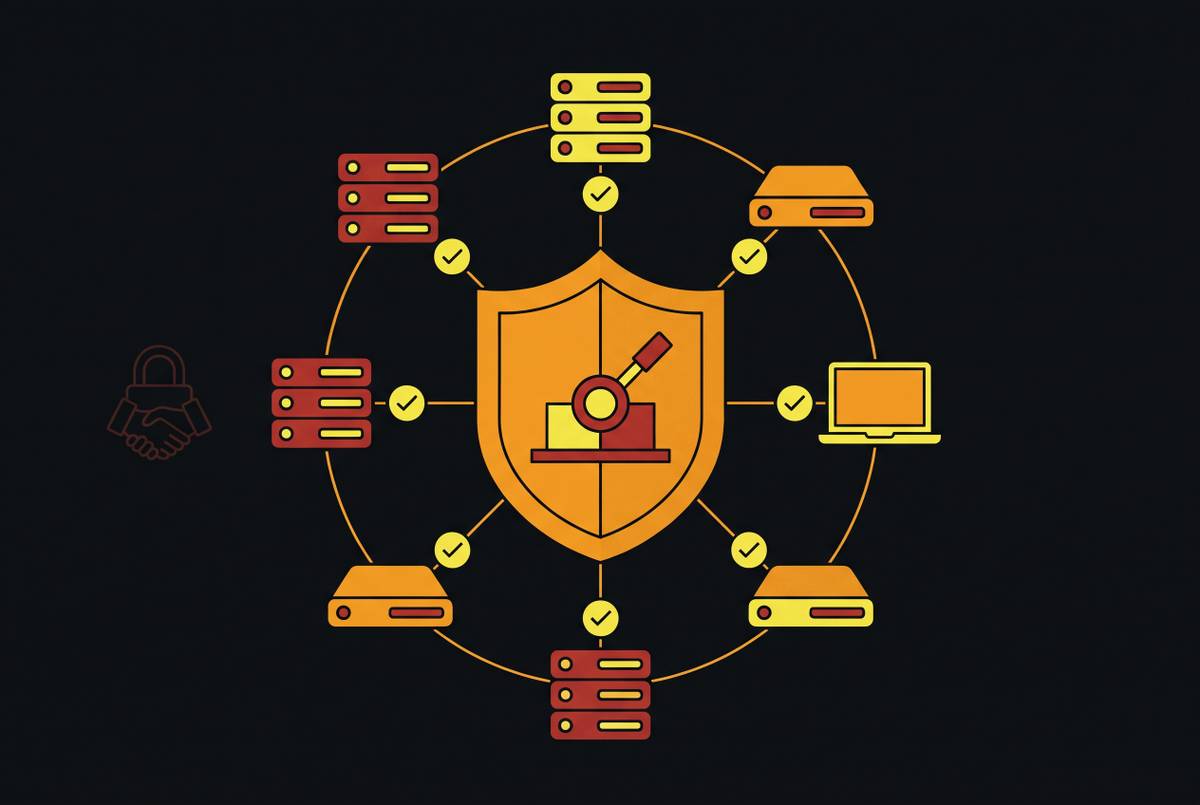
Infrastructure State at Each Stage of a Fourteen-Day SMB Security Deployment
A two-week security roadmap shows SMBs how to move from exposed to protected and ready to respond.
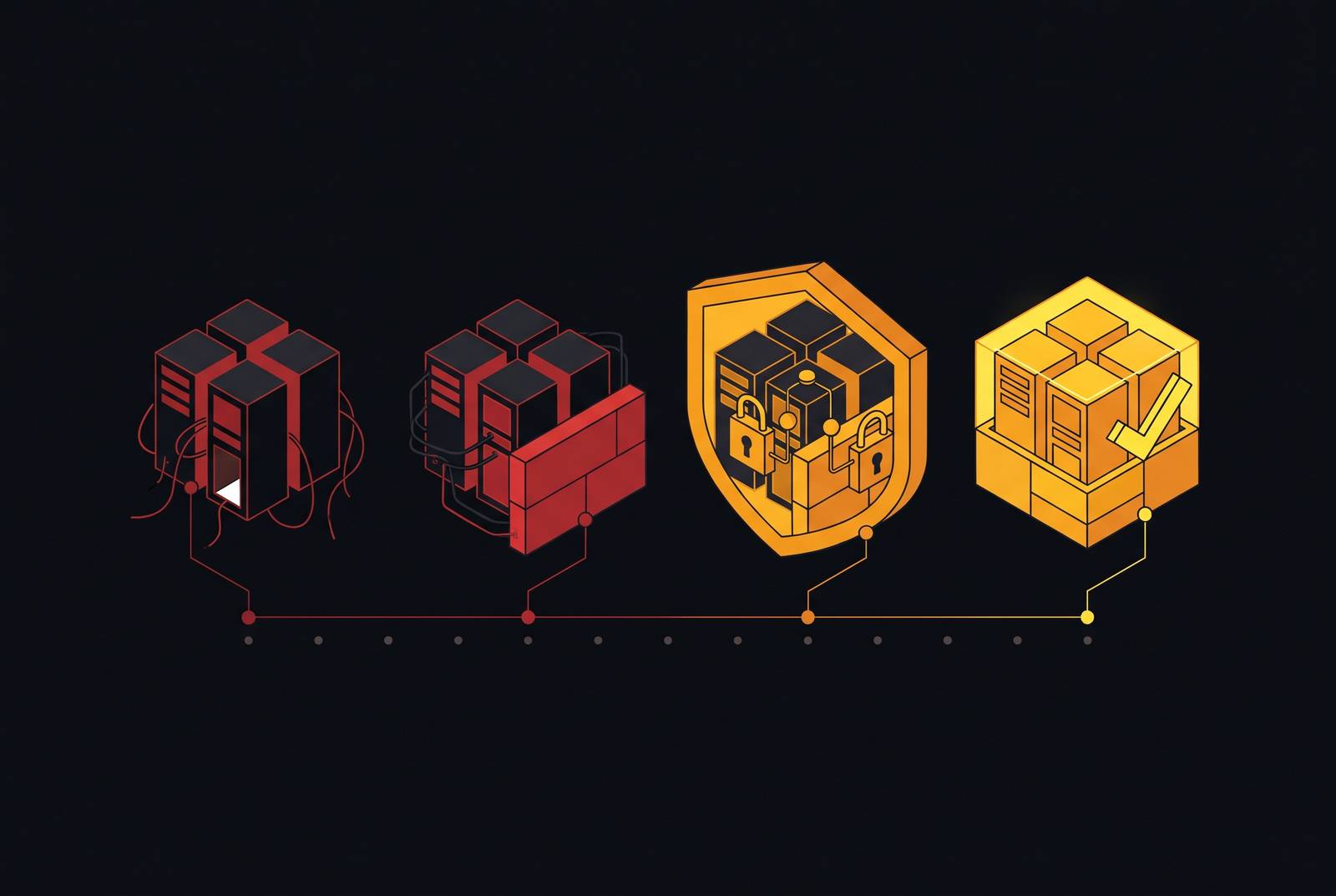
A fourteen-day SMB security deployment moves infrastructure through observable states, from unknown and exposed to monitored, enforced, and ready for incident response. Protection depends on what is working at each stage. A real two-week security program shows what is covered, tests recovery, and names the people who have the power to contain an attack.
Why SMBs are the preferred target and what attackers do once inside
Small businesses hold valuable data and handle real financial transactions, often without staff who work only on security or monitoring that runs all the time. That combination makes them attractive targets. Attackers look for vulnerability whatever the size of the company, and automated scanning tools check millions of IP addresses each day. A reachable system with an exploitable gap is enough to make a business a target.
Once inside, an attacker has more to do than launch malware. Initial access through an exposed VPN, RDP connection, stolen credential, or phishing email can lead to quiet reconnaissance. Attackers read email, find out who handles finance, and work out which systems hold data they can steal. On a flat network, a compromised endpoint can provide a path to file servers, accounting software, and CRM platforms. Attackers then look for greater privileges, steal data, and hunt for backup platforms they can break before encryption or extortion begins.
This sequence can take days or weeks. Attacker dwell time before detection is around twenty-one days on average, longer than the time set aside for the deployment described here. An attacker already inside may encounter newly deployed controls or exploit gaps that have not yet been closed during that time.
Why fourteen days is the right unit of time for this deployment
UK Cyber Essentials established a fourteen-day remediation window for critical and high-severity patches in its v3.3 “Danzell” update, published in February 2026 and effective from 27 April 2026. That gives the window a compliance basis. It makes a slower patch response difficult to defend. Vulnerabilities left open beyond thirty days represent a dominant share of initial access events, so long queues of unresolved patches create exposure.
The workload also calls for a defined, automated process. A monthly patch release can contain one hundred or more CVEs, more than a single IT generalist can realistically triage manually while doing everything else. Fourteen days sets a clear time frame for putting that way of working in place. It also fits inside the average attacker dwell time, creating an opportunity to interrupt a campaign already underway.
What the environment looks like before any controls are in place — the Day 0 baseline
Day 0 is rarely an empty environment. People are working, applications are running, and some security tools may already be installed. What is missing is reliable coverage. There may be no complete inventory of devices, accounts, service accounts, or remote access paths, which leaves policy enforcement dependent on what the current team happens to know about.
Authentication often reflects that same unevenness. Some accounts use multi-factor authentication, while others have no policy enforced on them. Some endpoints run signature-based antivirus, while others are unmanaged or have no protection. A flat network allows devices to reach one another by default, so a weak endpoint can expose systems beyond itself. Backups may be in place even though no one has tested whether a critical workload can be restored.
The response gaps are just as concrete. Without centralized logs, the business cannot reliably reconstruct activity across systems or spot patterns that span them. Unless someone is named to take charge of an incident, no one has clear permission to disable an account, isolate a device, or call outside help. These are ordinary operating conditions. The deployment sequence closes them in dependency order, beginning with the map needed to enforce controls, then adding protection, recovery, containment, and response.
Days 1–3: asset and identity inventory — knowing what exists before enforcing anything
The first deliverable is a documented inventory. It includes every user, service account, and shared admin account, together with the systems each can reach. It also covers managed and unmanaged devices, whether on-site or remote. Remote access needs the same scrutiny, including VPN configurations, RDP endpoints, cloud application logins, and third-party vendor access. That map also needs to show privileged identities in cloud consoles, SaaS admin panels, and CI/CD systems.
Each item needs a named owner. Otherwise, discovery produces a catalog without responsibility for fixing what it reveals. Orphaned accounts and undocumented access paths are flagged, particularly connections that nobody on the current team created or monitors. These paths need to be dealt with first because attackers can find them through automated scanning even when the people running the systems have forgotten they exist. A policy applied only to familiar systems leaves those paths untouched.
Identity hardening starts while discovery is still under way and the inventory is being built. For privileged users, the recommended control is phishing-resistant authentication through FIDO2, WebAuthn, or passkeys as accounts are documented. Legacy authentication is turned off where possible, and privileged session policies set how long an admin session can stay valid without re-authentication. By the end of this phase, the intended state is fully mapped, with initial identity restrictions enforced. Device behavior and the wider attack paths remain largely unmonitored.
Days 3–7: endpoint coverage deployed — closing the malware exposure gap across the device fleet
Behavioral endpoint detection turns the device fleet from a known exposure into an actively monitored one. Signature-based antivirus checks threats against malware it knows, so it can miss unfamiliar code and attacks that abuse legitimate system tools. Endpoint detection and response, or EDR, examines what processes do and what they touch. It looks for behavior associated with an attack. When configured for automatic isolation, it can cut off a suspicious device before a human analyst reviews the alert.
Coverage has to follow the inventory. Rarely used laptops, employee-owned devices with company access, and servers that quietly run in the background remain part of the exposure. An unmanaged device has no automatic isolation response from a control that was never installed on it. For a team without internal security staff, managed EDR is more practical than expecting an IT generalist to operate detection and response alone.
Core applications accept managed, up-to-date devices rather than devices whose condition cannot be established. At the end of the phase, every endpoint should have behavioral detection, tamper protection, and configured automatic isolation, with compliance status visible in access policy. This is the first broad protection milestone. It gives the business a way to detect malware without a known signature and disrupt movement between devices, though it does not guarantee that every attack will trigger an alert.
Days 7–10: email protection, patch automation, and backup verification — closing the three gaps attackers exploit most
Phishing can obtain credentials or deliver a payload, an unpatched system can provide another route inside, and unusable backups can turn an incident into permanent loss. Closing only one leaves the others available. This phase therefore combines controls for entry with proof that recovery can work if prevention fails.
Email filtering uses more than lists of known-bad domains. It evaluates sender behavior, checks DMARC and DKIM alignment, flags impersonation attempts, and can sandbox attachments before delivery. Impersonation protection and outbound DMARC alignment also help protect the organization’s domain from abuse against customers and partners. The observable change is that suspicious messages are filtered or flagged and outbound email is authenticated. It is not a claim that every convincing message will disappear.
Patch automation must include proof of installation. A patch that was pushed but did not apply leaves the original exposure in place. Kerberos RC4 hardening shows why patch discipline also depends on understanding older systems. In environments where RC4 migration was not done before the April 14, 2026 Phase 2 enforcement date, silent authentication failures began on domain-joined NAS devices, legacy printers, and line-of-business applications. Those dependencies belong in the early identity audit so that the patch phase can address them.
Recovery needs an equally concrete test. Immutable backups keep a compromised admin account from changing or deleting them, and separate backup credentials mean ordinary admin access does not also grant access to the backup platform. A timed restore test for a critical workload provides operational proof of recoverability. By this stage, the business should have authenticated email, verified automated patching, and protected backups that have passed that test.
Days 10–14: network segmentation, log centralization, and incident response authority — reaching operational security state
Network segmentation limits what a compromised device can reach. A practical SMB structure separates workstations, servers, management infrastructure, guest and IoT devices, and externally facing services in a DMZ. VLANs on managed switches keep zones apart, and firewall rules between them default to deny. Backup infrastructure, domain controllers, and finance applications need to be in segments with tight limits on access because attackers head toward them once inside.
Segmentation does not prevent the first compromise. Its purpose is to stop that compromise from becoming an unrestricted route through the business. Earlier endpoint controls detect suspicious activity, while these network boundaries constrain the paths available when detection misses something.
Endpoints, email systems, firewalls, and cloud platforms each see only part of an attack, so their logs feed a shared platform where analysts can connect events. Collection alone is not enough. An alert raised at 3 AM on Sunday needs immediate attention, even if the IT generalist returns on Monday. For an SMB without round-the-clock internal coverage, managed detection and response provides the practical alternative, and the provider questions are who watches overnight and what the median triage time is.
Before Day 14, named people must have authority to declare an incident, disable accounts, isolate devices, and contact outside help, with contact details and delegated authority when the primary person is unavailable. The tested first-hour protocol sets out how to protect critical services that are still running, keep evidence intact, contain the known compromise path, and keep a decision log. When containment actions are approved ahead of time, responders can take them without having to seek agreement under pressure. At this point, the environment has both enforced controls and an operating response behind them.
How do you know you are protected on Day 14 — and what remains beyond it?
Day 14 is a checkpoint. Devices should be known and monitored, while user accounts are documented, MFA-enforced, and tied to one authoritative identity provider. Network restrictions, authenticated email, verified patching, tested backups, and watched alerts complete the operating state. No environment is breach-proof, but these are observable grounds for calling a security program defensible.
Several disciplines continue beyond the deployment window. Monthly patch cycles still need to be checked, and security awareness exercises repeated over time and tailored to what people do at work lower phishing risk. Access recertification is a quarterly review of whether accounts still need their permissions. Tabletop exercises and restore drills test response and recovery at least once a year and after major changes to infrastructure. Setup cannot substitute for those recurring checks.
For a founder, IT generalist, or operations leader who will not hire a security team, durability becomes the platform requirement. The useful criteria are automation, continuous enforcement, and consolidated visibility across device management, identity, and compliance. Those capabilities reduce dependence on someone manually checking separate tools each month. They also make the state of the environment easier to establish as people, devices, and settings change. The lasting value of the fourteen-day deployment is a security program the existing team can keep operating.