Bidirectional Ticketing Integration Between PSA and Security Tooling
Syncing ticket status back to security tools prevents stale alerts from cluttering your console.
A technician closes a ticket in the PSA, logs the time, and moves to the next item in the queue. Nothing tells them that the security platform the alert came from still shows that issue as open. The loop between ticketing and security tooling usually only runs one way, and understanding what bidirectional sync actually requires is what separates a console that reflects reality from one that quietly lies; that gap, not any failure of the technician's work, is the subject of this piece.
Why alert-to-ticket automation alone does not close the loop
Most PSA-security setups run the same way. A security tool or an RMM detects something, fires an alert, and a ticket appears in the PSA. From that point forward, the technician does the work entirely inside the PSA: triage, remediation, closure, time entry. The security platform that raised the alarm in the first place never hears about any of it.
That's the structural gap. One-way alert-to-ticket flow creates tickets reliably but has no path back to the system that originated the alert. The security console keeps a record of the issue exactly as it looked at the moment it fired, regardless of what happens afterward in the PSA. Technicians can close out dozens of tickets a week and the console will still show every one of them sitting open.
Teams rarely catch this quickly. A sync break of this kind doesn't throw an error or send a notification. A silent sync failure can mean weeks of apparently unresolved alerts before anyone notices the PSA and the security console have diverged.
The integration model behind most of these stacks is hub-and-spoke, with the PSA at the center and the various tools, including security platforms, feeding into it as spokes. That architecture only does what it's supposed to do when information moves in both directions, out to the spokes as well as in from them. A hub that only receives is collecting information, not coordinating it.
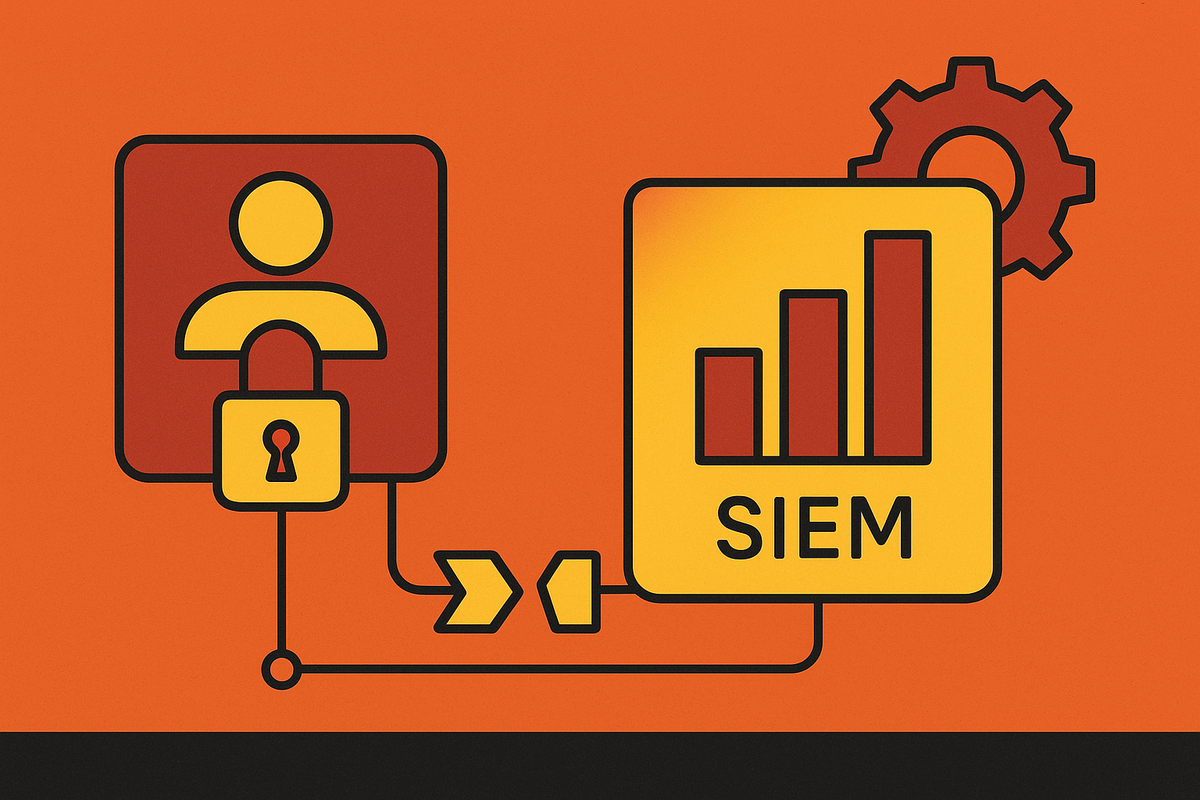
The stakes are sharper for organizations that don't have a dedicated security function. Without a SOC, without a SIEM analyst, without any kind of security operations workflow, the PSA ticket is the entire incident log. If that ticket's resolution never reflects back into the security tool, there's no auditable trail connecting the alert to the response. Months later, there's no way to answer what actually happened and when.
Bidirectional status sync versus creation-only integration
Two integration patterns get lumped together under "PSA-security integration," and they are not the same thing. Most deployments only ever reach the first one.
Creation-only integration, sometimes called one-way sync, means a security platform issue generates a ticket in the PSA, and that's where the connection ends. Whatever happens to that ticket next, status changes, resolution, final closure, stays inside the PSA and never travels back.
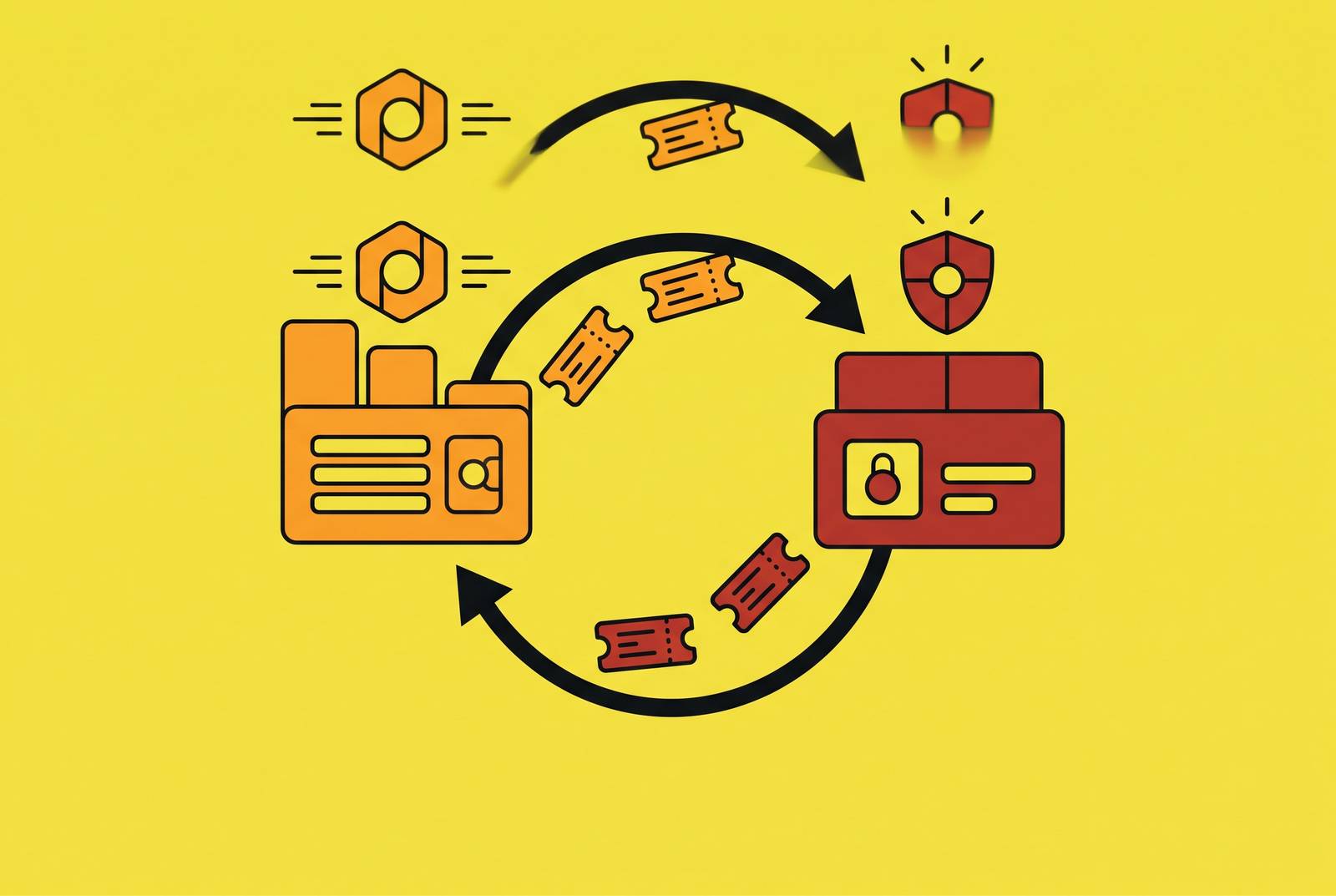
Bidirectional status sync works differently. When a technician updates a ticket's status in the PSA, that change maps back to the security platform according to field mappings configured ahead of time. The security console comes to reflect what the PSA reflects, in near real time, rather than showing a frozen snapshot of the moment the alert fired.
Guardz's own PSA integration documentation draws this line explicitly: some integrations only sync security issues into the ticketing system, with nothing flowing back, while bidirectional status sync means PSA updates return to the security platform based on predefined mapping. That's a useful way to think about any vendor's integration claims. "Integrated" and "bidirectional" are not synonyms, and a setup can satisfy the first without ever delivering the second.
WatchGuard's closed-loop ticketing shows what the mature version of this looks like in practice. Only one ticket exists in the PSA per issue or incident, that ticket's status updates automatically as the underlying issue status changes, and a malware incident ticket updates the moment ThreatSync takes a response action, such as isolating an infected endpoint or blocking an IP address. The sync here isn't limited to status labels. Response actions taken inside the security platform carry context back into the ticket itself: a malware incident ticket updates when ThreatSync performs a response action such as isolating a malware-infected endpoint or blocking an IP address.
The three configuration decisions that determine whether the sync holds
Bidirectional sync isn't a feature that switches on. It holds only when three specific configuration decisions get made deliberately, and each one is a place where the sync commonly fails.
The first is severity and priority mapping. A security platform's severity scale, typically critical, high, medium, low, measures something different from a PSA's operational priority scale. Guardz's integration model requires security severities to be associated with corresponding PSA priority values through deliberate configuration, because the mapping will not infer itself from the labels alone. If this step is skipped, a critical security detection can land in a low-priority queue behind routine password resets, or every alert can land at the same priority regardless of actual risk.
The second is deduplication logic. A common failure pattern: a detection streams into a SIEM, the SIEM generates its own alert, and the security integration separately opens a ticket directly in the PSA for the same event. One incident now has two tickets, two assigned owners, and two partial investigations that never talk to each other. Fixing this means designating exactly one authoritative alert path per detection type and treating every other feed as reference data rather than a trigger. Without that decision made explicitly, the ticket queue fills with duplicates, and a duplicated queue is worse than no automation at all, because technicians stop trusting it and start skimming past tickets that might be real.
The third is status field mapping. A PSA typically has several closure states, and a security platform typically has a smaller set of states: resolved, in progress, acknowledged. Someone has to decide, explicitly, which PSA closure state maps to which security platform state. If that mapping is left undefined, a ticket marked "closed, no further action" in the PSA can map to nothing meaningful on the security side, leaving the original alert sitting in limbo regardless of what actually happened.
How named platforms implement this in practice
A handful of platform integrations show what these configuration decisions look like once they've actually been made.
WatchGuard Cloud's native integrations with ConnectWise Manage, Autotask PSA, and HaloPSA combine with PSA automation so that alerts can generate and resolve tickets automatically, and response actions, isolating an endpoint, blocking an IP, update the ticket state on the PSA side. Both directions here carry operational context rather than a simple open-or-closed flag.
Sophos took a similar approach by expanding its own PSA integrations with Autotask and ConnectWise PSA, building the sync as a security-vendor-native integration rather than routing it through a separate middleware layer.
CrowdStrike's Falcon platform connects to ticketing systems through its REST APIs, an event streaming interface, and pre-built connectors maintained by CrowdStrike and third-party vendors. ServiceNow and Jira are the common ticketing destinations, and both integrate reliably with Falcon. This is the enterprise-grade end of the spectrum, where SOAR routing and ITSM sync run at the same operational level rather than one trailing the other.
ConnectWise takes a different architectural path with its own stack. ConnectWise SIEM Pro builds SOAR capabilities directly into The ConnectWise Platform, so automated workflows that speed remediation also close the loop with ConnectWise PSA natively. Because the SIEM, SOAR, and PSA share a single data model, the sync doesn't have to cross an API boundary at all.
N-able N-central converts alerts from device monitoring or automation policies into service tickets automatically, pre-populating each one with device information, customer association, and severity level. Technicians get notified when a monitored service returns to normal or when ticket status changes, and the integration can be configured to close a ticket or update its status the moment a service normalizes. Status flows from the monitored environment back into the ticket, not just from an alert into a ticket once.
None of these represents a single correct architecture. They represent different points on a spectrum between native, same-vendor data sharing and API-based connectors built to span separate platforms, and each comes with its own trade-offs.
Vendor coupling: what it fixes, what it costs
Same-vendor integrations, ConnectWise SIEM paired with ConnectWise PSA being the clearest example, share a single data model instead of syncing across an API boundary. It's the deepest form of sync available, and for good reason: there's no translation layer to misconfigure or break.
That depth is also the cost. Tight coupling between a PSA and a security platform means a vendor outage, a pricing change, or an acquisition can strand the entire operational workflow at once, not just one feature of it. The same architectural depth that makes the sync reliable is what makes switching away from it painful.
There's a sharper version of this risk than inconvenience. Research on how MSP tool stacks actually get built shows that most of them are never planned from day one. Tools accumulate one at a time as problems come up, until the result is overlapping tools, billing gaps, and a PSA that nobody on the team fully trusts. A tightly coupled vendor stack built on top of that kind of accumulation can become exactly the attack surface an adversary targets when going after the management plane itself.
None of this argues against native integrations. It argues for treating the integration architecture as a decision made on purpose, rather than a byproduct of whatever got bolted on first. Knowing precisely which systems are coupled to which, and auditing that coupling on a schedule, is the actual mitigation.
The alternative, third-party API-based integrations built through middleware or custom connectors, trades that risk for a different one. These connectors offer more flexibility to mix vendors, but the sync layer itself becomes a maintenance surface, and it breaks whenever either side changes its API without warning. There's no clean answer here. A tightly coupled stack trades flexibility for reliability; a loosely coupled one trades reliability for flexibility. What matters is which failure mode a given team is better equipped to catch and fix, not which architecture is better in the abstract.
Open-loop failure modes: visibility gaps, billing leakage, and alert debt
A broken or creation-only integration doesn't announce itself. It fails in three quiet ways that build on each other over time.
The first is alert debt. Security detections that never get marked resolved in the console pile up as permanent noise, and technicians learn to tune out a backlog they know is mostly stale. The danger is that a genuinely new, urgent threat now lands in a queue that looks exactly like everything else sitting unresolved. The broken sync itself buries the signal under wreckage, not any real complexity in the threat. When identity signals, device telemetry, and ticket state all live in separate systems with no path back to each other, nobody holds a complete picture of what happened, when it happened, or whether it was actually resolved.
The second is billing leakage. Security incident response work is exactly the kind of work that tends to disappear from invoices, because high-urgency events generate real technician effort that never makes it to a bill if the security alert and the PSA ticket aren't treated as the same record. Guidance on choosing a PSA ticketing system consistently names untracked time as one of the primary costs of running a fragmented stack.
There are two meaningfully different integration patterns, and most deployments stop at the less useful one, and alert debt suppresses the sense of urgency around response, which stretches out how long incidents actually take to close, which generates more unlogged time, which widens the billing gap further. None of this is visible without deliberate tracking across the separated systems.
What to verify before trusting the current setup
Confirming that a PSA-security integration qualifies as bidirectional takes more than seeing tickets get created when alerts fire. Four specific things need checking, and none of them require deep security expertise to verify.
Start by testing the actual direction of the sync rather than trusting the vendor's marketing language. Close a ticket manually in the PSA and watch the originating security platform to see whether that status change ever arrives. If nothing changes on the security side within a reasonable window, the integration is creation-only, regardless of what it's called in a sales deck.
Pull up a handful of recent critical-severity detections and check their resulting tickets in the PSA, since the technician who works and closes a ticket does so entirely inside the PSA while the originating security platform sees nothing. A mismatch here means genuinely urgent issues could be sitting behind routine tickets without anyone noticing.
After that, look for duplicate tickets tied to the same underlying incident. If a SIEM, a security platform, and a PSA automation rule can all independently open a ticket for the same detection, search the ticket history for pairs or triplets that reference the same alert. Their presence means there's no single authoritative source designated for that detection type, and the deduplication decision was never actually made.
Finally, audit the console directly against the PSA rather than relying on dashboards built on top of either one. Pick a sample of tickets marked resolved in the PSA over the past month and check whether the corresponding items in the security platform show the same resolution.
Sources
- MSP Ticketing System Integration: How PSA, RMM, and Client ITSM Connect into one Operating Model
- PSA and ITSM integrations for ticketing
- About Closed-Loop Ticketing with PSA Integration
- Updated ConnectWise PSA/Sophos Ticketing Integration with additional features - Release Notes & News - Sophos Integrations - Sophos Community - Connect, Learn, and Stay Secure
- Guardz PSA Integrations Overview
- PSA Ticketing Systems Selection Guide 2026: Expert Comparison & Recommendations
- Best SIEM Solutions for MSPs in 2026
- WatchGuard Expands PSA Integrations and Unified Agent to Strengthen Security Operations for MSPs, MSSPs