Self-Managed Security Platforms Ranked for SMBs Ready to Cut the MSP Cord
Teams stretched thin need platforms built for simplicity, not complexity.

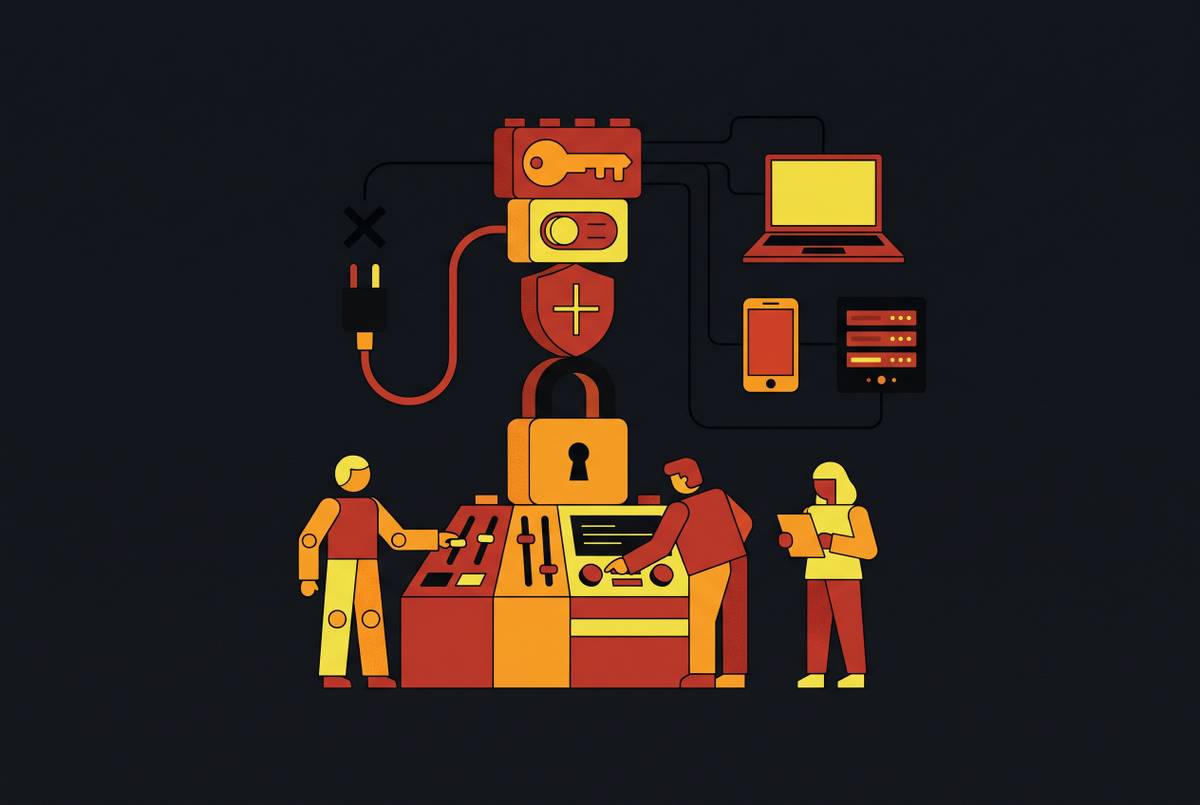
For SMBs ready to replace an MSP for cybersecurity, the right security platform is the one their own team can deploy, understand, and keep running. Rank options by giving deployability, operational simplicity, and integrated coverage more weight than the number of features. Microsoft Defender for Business fits existing Microsoft environments, while other endpoint and all-in-one platforms suit different levels of IT capacity and coverage needs.
Why SMBs leaving MSP relationships face a different security challenge than enterprises do
When an SMB leaves a managed service provider, it takes over the daily work of monitoring, patching, and alert response. Those duties fall to a founder, IT generalist, or operations lead who already has another job. The handoff changes more than the software bill. The company inherits responsibility for security without necessarily gaining the expertise or time needed to operate it. Unlike an enterprise buying for a security team, this buyer must choose around the person available to do the work.
Attackers still get in through unpatched software, stolen credentials, and third-party connections. A company can therefore finish its provider transition while leaving the practical question of ownership unresolved. Someone now has to notice failed controls, understand alerts, and act on them. That requirement is what separates an MSP replacement decision from an ordinary product comparison.
Why the standard way of ranking security platforms doesn't serve this buyer
Conventional comparisons tend to reward capability breadth and detection performance, assuming someone has the skills to use what the platform provides. A self-managing SMB may have no one with those skills. Advanced policies offer little help when nobody has time to tune them, and detailed alerts do not become protection simply because they appear in a console.
A platform can look complete when a buyer chooses it but need ongoing configuration that the buyer cannot keep up with. Paying for advanced security operations features also makes little sense when the team will use only a small fraction of them. More software does not supply more staff. For this buyer, how well cloud management works, how clear the reports are, and how easy the platform is to administer should count more than features built for dedicated analysts. The comparison must test whether the available team can operate the product, rather than whether the product could serve a much larger team.
The three criteria that actually predict whether a self-managing SMB will stay protected
Deployability comes first because protection begins only when the platform reaches a working state. A product that needs months of professional services is a consulting engagement with software attached. Useful signals include agent rollout through an email link, a remote management script, or mobile device management, known as MDM. Sensible defaults and a cloud console that surfaces problems without extensive setup also reduce the work required. The demo is not the deployment test. The relevant test is a sizeable fleet managed by one generalist.
Once deployment is done, protection depends on how simple the platform is to run. The person opening the console at 9 a.m. on a Tuesday should understand what happened, what the platform did, and what still needs attention. Detection alone does not finish that job. Automated remediation, including device isolation and rollback where supported, can reduce the need for expert intervention. Clear prioritization is equally important because a noisy alert queue trains a busy administrator to ignore it.
Integrated coverage helps sustain that workable routine as the company grows. Each new vendor adds another console, another alert queue, and more work to check that information matches across systems. That burden compounds for a team of one or two. A platform with endpoint protection, device management, identity controls, and compliance reporting in one place can cut down on those handoffs.
What a security baseline for self-managing SMBs actually requires before any platform comparison makes sense
A self-managing SMB needs a baseline of controls before it compares products. That baseline includes multifactor authentication, or MFA, on every account that supports it, patched internet-facing devices, tested backups, and endpoint protection with behavioral detection. CISA, NIST CSF 2.0, and the UK NCSC identify MFA as foundational, and authenticator-app MFA costs nothing beyond configuration time. Verizon’s 2026 Data Breach Investigations Report identifies exploitation of unpatched software as the leading known entry point for SMB breaches, ahead of phishing and credential theft.
Backups need a recovery test. The 3-2-1 rule calls for three copies, two media types, and one offsite copy. Recovery is the point of the exercise. Insurers and auditors ask about tested recovery, while cyber insurers also use MFA and endpoint detection and response, or EDR, in premium calculations. The same report found that third parties played a part in a large share of SMB breaches, so the baseline discussion also needs to cover supplier software and vendors that hold company data.
How the leading self-managed platforms compare when scored against deployability, simplicity, and integrated coverage
These platforms sort into best-fit groups. The meaningful distinction is how much setup, daily attention, and supplementary tooling each choice requires in the buyer’s environment. There is no honest single winner here. A platform focused on endpoints can work well with the tools a company already has, while a company replacing several disconnected tools may need more of them brought together. The comparisons below apply the three criteria qualitatively.
Microsoft Defender for Business fits SMBs that already use Microsoft 365 as their standard. Its native integration makes centralized deployment and ongoing administration a more natural extension of work those teams already do. The platform has cloud-managed endpoint security, threat detection, attack surface reduction, and vulnerability insights, and teams can use it without an enterprise security stack. Deployability is high for Microsoft shops but meaningfully lower for teams outside that environment.
Bitdefender GravityZone Business Security fits small to midsize teams seeking broad device coverage without heavy administration. Cloud management, lightweight agents, and sensible defaults make deployment easier and leave teams with less policy tuning to do over time. Its focus is practical endpoint protection for lean teams. Behavioral analysis and ransomware mitigation are built in, and the management console takes less work to run than an enterprise-heavy setup. It is a candidate when device coverage and a manageable daily workload take priority over assembling a larger security stack.
Sophos Endpoint fits growing SMBs with mixed devices and moderate IT oversight, particularly those concerned about ransomware and exploit-based attacks. It combines anti-ransomware and exploit prevention with rollback-style defenses that can reverse malicious file changes. Sophos Central provides the cloud management layer. This is not only a detection choice. The vendor also offers round-the-clock managed monitoring for teams that later want more coverage through the same relationship, though that option moves beyond a strictly self-managed model.
Trend Micro Worry-Free Services Advanced fits businesses with 1–25 employees that want a platform that is simple to use and quick to deploy. It combines endpoint protection and email security in a single SaaS platform. Rather than making phishing protection a separate purchase, it addresses email and endpoints together.
SentinelOne Singularity Core fits midsize businesses or teams with enough internal IT capacity to configure autonomous detection and response. Its behavioral AI detects and responds to threats, and it supports isolation and Windows rollback through one-click remediation. The plan distinction is important for this buyer. Fully autonomous, policy-triggered isolation and rollback without human intervention is a Singularity Complete feature. Core is therefore a stronger candidate when someone can handle initial setup than when the company has no IT staff.
Malwarebytes ThreatDown Endpoint Protection fits small teams that value simple operation and cleanup over deep policy controls. It is cloud-managed, easy to deploy, and built to make remediation straightforward. Active IT ownership is still part of the fit. The relevant range is 10–250 endpoints for businesses seeking stronger protection than basic antivirus. For the separate 1–20 device segment with no IT staff, Malwarebytes Teams is the more appropriate option to investigate.
ESET PROTECT Entry fits cost-conscious SMBs with lean IT teams that still want granular policy control. Efficient performance and lower resource overhead support that balance, while cloud or on-premises deployment gives teams a choice of operating model. Flexibility is the reason to consider it. It is a candidate in the 5–25 employee band where administrators want stronger control without taking on enterprise complexity. Its appeal depends on having someone who will use that flexibility, rather than simply wanting the fewest settings possible.
All-in-one platforms fit companies whose main problem is a patchwork of device management, endpoint security, identity, and compliance tools. Consolidating those functions can reduce visibility gaps and manual reconciliation work. The relevant comparison is whether one console brings device management, security posture monitoring, compliance reporting, and access management together in a form the team can run. Even with broad coverage in one place, a platform still has to be easy to deploy and run each day.
What should you replace your MSP with based on company size and available IT capacity?
For the smallest businesses without dedicated IT staff, the lesson is to prioritize quick deployment and a short, understandable daily routine. Trend Micro fits the 1–25 employee range, especially when email and endpoint protection need to come together. Malwarebytes Teams addresses the 1–20 device, no-IT-staff segment. Employee count helps locate the business, but the device count and person responsible for security determine the actual workload.
For small-to-mid businesses with one or two IT generalists, the shortlist can expand to Defender, GravityZone, ThreatDown, and ESET. Defender fits teams that already manage Microsoft tools, while the others differ in how widely they cover devices, how easy cleanup is, and how much policy control they give teams. Existing tools should shape that choice too. If those generalists spend their time reconciling device, identity, and compliance systems, an all-in-one platform deserves investigation.
For midsize businesses with some security awareness but no dedicated security operations center, Sophos and SentinelOne become stronger candidates. Both suit teams that have more time and skills to oversee protection, though SentinelOne needs someone to handle setup and check which response features come with each plan. Size alone does not justify greater complexity. A larger business with little available IT time can still be better matched to a simpler option.
The questions to ask before committing to any platform on this list
To validate that shortlist, start with whether one generalist can complete agent rollout across all devices in a week without vendor assistance. Then ask whether deployment uses a method the company already supports, such as MDM, an email link, or a script. The demonstration should show an alert that explains what happened, what was done automatically, and what needs human action. It should also establish whether automated remediation works by default or requires configuration.
Daily workload needs an answer in minutes. The vendor should provide a reference customer with similar size and IT capacity. Coverage needs the same scrutiny before purchase. Establish whether Windows, macOS, and mobile devices receive the protection required, and what remains outside the platform, including email, identity, and compliance reporting. If another tool is needed to close those gaps, work out how much extra work and cost running both would add.
Ask whether the platform can support double the current company size without a migration, a new contract negotiation, or a more complex configuration model. Also establish whether it can produce evidence for a customer audit or cyber insurance renewal without separate reporting software. These questions require a clear view of who will operate the system and how much time that person has, because a self-managing SMB is only as protected as the controls it can consistently run.